Customer Portal

Branded owner and customer portal — aircraft status, technical records, quotes and invoices, training seats, owner booking with map confirmation, and Apple Wallet boarding.

Overview

Your customers and aircraft owners need visibility — not a login to your entire CAMO system. The AirOS Customer Portal is a branded web experience (separate from the crew EFB app): account-based access, per-aircraft status views, linked entry visibility, quotes, invoices, training seats, and owner booking — scoped by what you choose to expose.

Owners submit trip requests from Book (web or iPhone). Ops confirm onto the schedule; the owner then adds a boarding pass to Apple Wallet. Map confirmation shows the trip on a terrain map. Training sponsors see seats; CRM forms complete in the same portal.
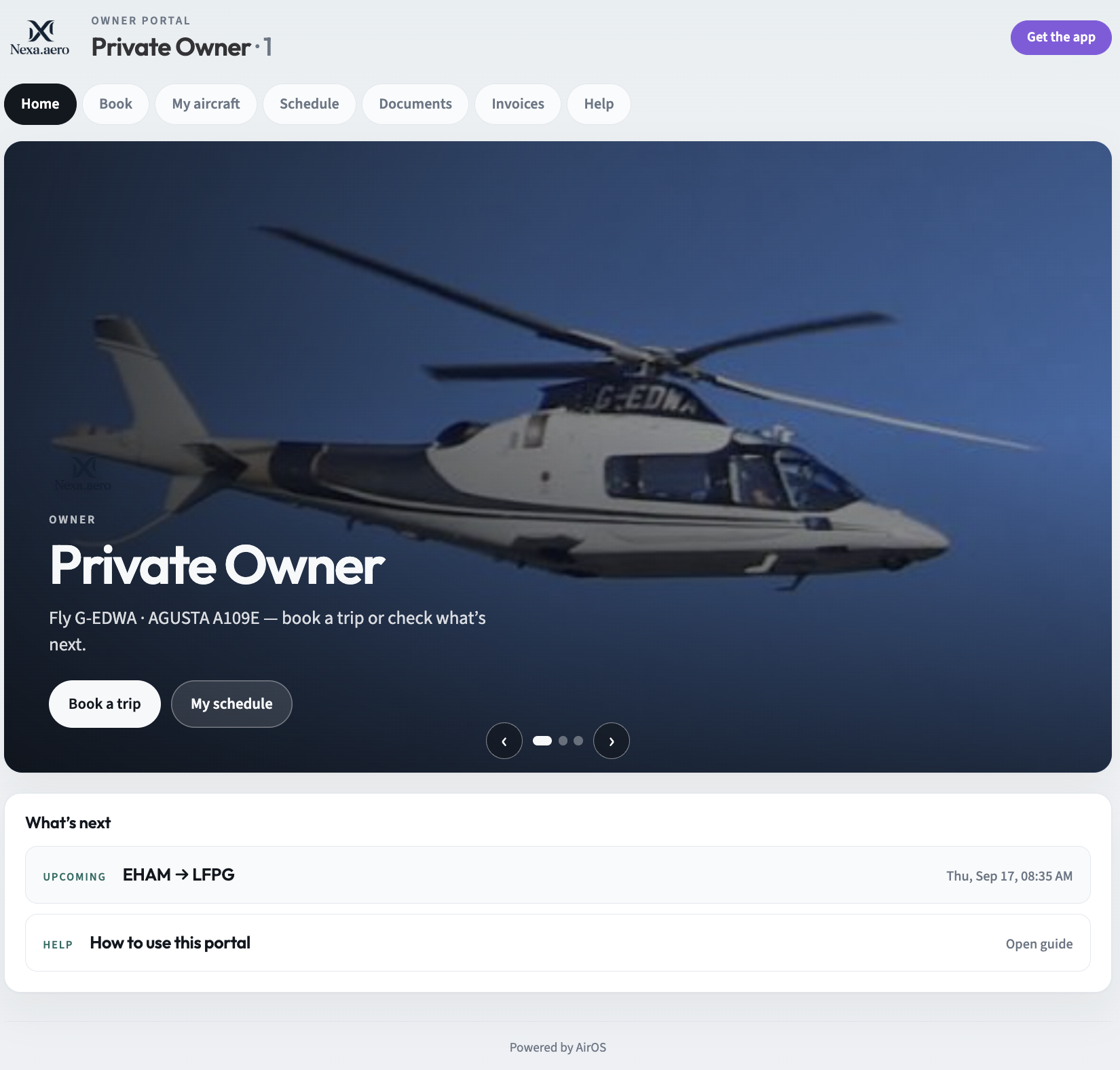
Customer Portal
Customer Portal

Features

  • Branded Login Experience: Customer-facing login with organisation branding and scoped account access
  • Aircraft Status Views: Per-aircraft operational and airworthiness summary for entitled account holders
  • Owner booking & map confirm: Owners request trips; ops confirm onto the schedule; booking confirmation shows the route on a map
  • Apple Wallet boarding: Confirmed owner trips and passenger tickets add boarding passes to iPhone and Apple Watch
  • Linked Entry Access: Expose selected technical records, documents, and work packages to customers
  • Commercial Document Delivery: Customer quotes, invoices, and commercial documents through the same portal
  • Training seats & forms: Sponsors view course seats; customers complete CRM forms without a full AirOS login
  • CRM Account Integration: Portal provisioning tied to CRM accounts, contracts, and onboarding workflows
  • Workscope Collaboration: External visibility into agreed workscopes and MRO delivery status
  • Audit Trail: Logged portal access and document views for commercial and quality governance
  • Controlled Permissions: Granular control over what each customer account can see — nothing more

Transparency without opening your entire CAMO system

Aircraft owners, operators under CAMO contract, and commercial customers need visibility into status, documentation, and delivery — not a login to your full airworthiness platform, and not the crew AirOS App (EFB). The Customer Portal is a branded, account-scoped web experience.

What customers see — and what they do not

You control exactly what each CRM account can access:

  • Aircraft status summaries for entitled fleet records
  • Linked technical entries — work packages, documents, and records you choose to expose
  • Commercial documents — quotes, invoices, and agreed commercial artefacts
  • Workscope progress where external MRO collaboration is part of the service

Every view is audit-logged. Customers get transparency; you retain governance.

For CAMOs and MROs with commercial relationships

Portal provisioning ties to CRM accounts, contracts, and onboarding workflows. Combined with ADX for structured CAMO–MRO exchange and the workscope portal for external maintenance delivery, the Customer Portal closes the loop between commercial relationship management and continuing airworthiness transparency.

Typical use cases

  • Managed aircraft owners reviewing airworthiness status and upcoming maintenance
  • Owner booking — trip requests confirmed onto the schedule, map confirmation, and Apple Wallet boarding passes
  • Charter clients with contracted visibility into assigned fleet
  • MRO customers tracking workscope delivery and release documentation
  • Training sponsors viewing course seats and completing CRM forms
  • Commercial teams delivering quotes and invoices through the same branded experience

The portal is designed for aviation professionals who sell trust — not just flight hours or hangar capacity.